Car Photo Edits for Instagram: 12 Ideas That Stop the Scroll
Twelve car photo edit ideas for Instagram and TikTok: before/after sliders, wrap reveals, style series, night edits and more, plus tips to keep them honest.
By Ayoub Farid · · 2 min read
Car content is everywhere, so a straight photo of a clean car rarely stands out. Edits that tell a story, especially transformations, are what people stop for and share. Here are 12 ideas, most of which you can make from a single photo.
Transformation posts
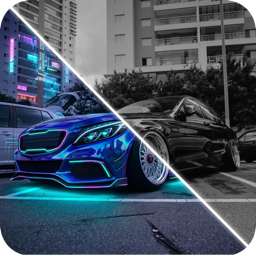
1. Before/after slider
The classic: original on one side, restyled on the other. Works for wraps, wheels, stance and full builds. Post the slider as a short video or a two-image carousel.
2. "Which color?" carousel
Your car in five or six colors. Ask followers to vote in the comments. Great engagement, and useful for choosing a wrap; see car wrap colors.
3. Wheel lineup
The same car on four wheel designs or finishes. See bronze wheels.
4. Style series
One car, many personalities: JDM, VIP, rally, cyberpunk. See car build styles.
5. "Build plan" teaser
Post the render of your planned build, then the real car months later.
Mood edits
6. Neon night
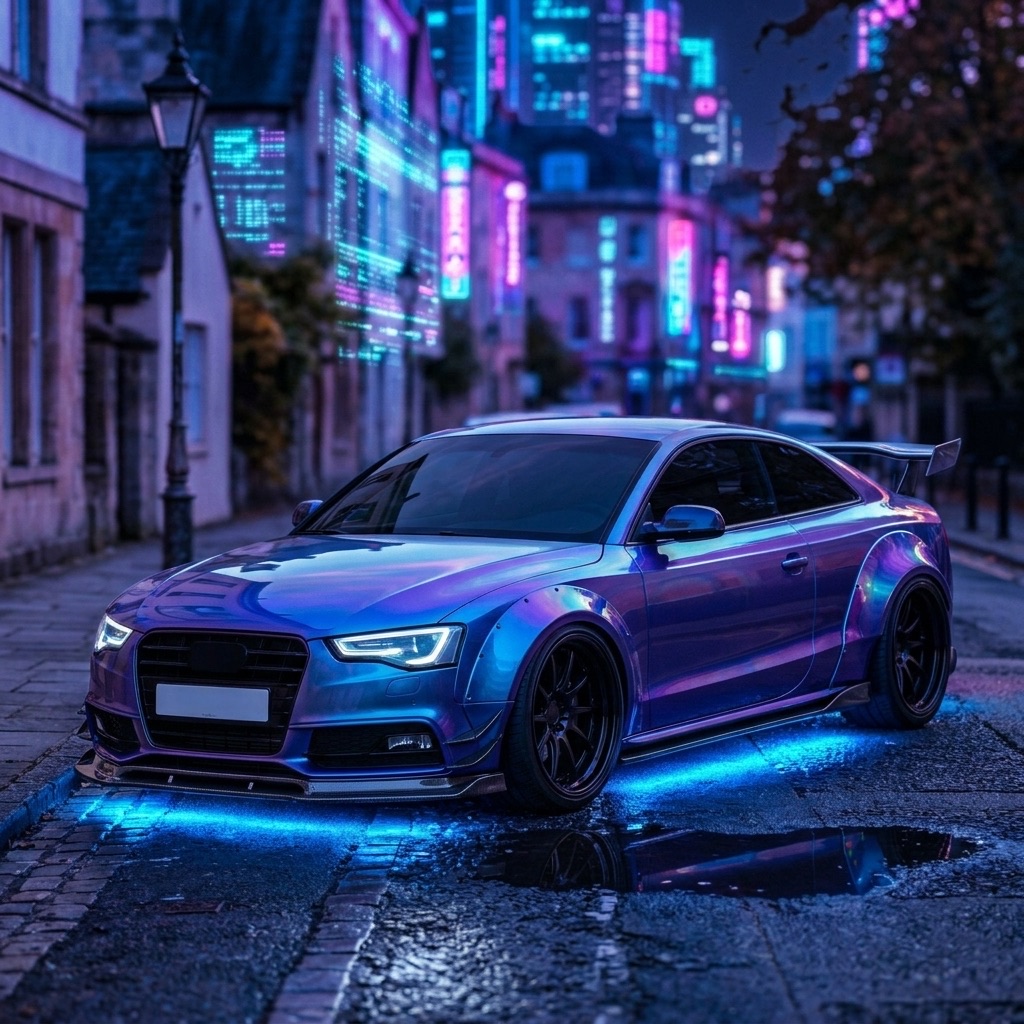
Wet streets, neon signs, underglow. See cyberpunk car design.
7. Studio clean
Car in a minimal studio. See car background remover.
8. Golden hour warmth
Warm grade, long shadows, low angle.
9. Snow, desert or mountain swap
The same car in a dramatic location.
Fun formats
10. Car ID challenge
Post a crop of a detail (taillight, mirror, badge) and ask followers to identify the car. See what car is this?
11. Rate my build
Share a Hype Score or ask followers to rate the build out of 10.
12. Dream car on my driveway
Put your dream build in your own street.
Keep it honest
- Label AI edits, e.g. "AI render" or "concept". People appreciate it and it avoids accusations of fakery.
- Don't post AI renders as real builds or in for-sale listings.
- Hide plates if you're privacy-minded.
Make these edits in CarForge
CarForge generates most of these from one photo: styles, colors, wheels, kits, background cleanup and a for-fun Hype Score, with a before/after slider built in. Start with photo tips for AI.
Frequently asked questions
What car photos get the most engagement?
Transformations, before/afters and "which one?" polls tend to get the most comments and shares.
Should I disclose AI edits on car photos?
Yes. A short "AI render" tag keeps your audience's trust and avoids misleading anyone.
What is the best aspect ratio for car posts?
4:5 portrait for feed posts and 9:16 for Reels and TikTok, with the car centered so crops still work.
How can I make my car photos look professional?
Shoot in soft light at headlight height, clean the car and simplify the background.
Try it on your own car
Identify any car. Redesign yours in seconds.
Snap a photo to get the make, model and specs, or try paint, wraps, wheels, body kits and 16+ AI styles on your own car. On iPhone and iPad.
Download CarForge